Okular
מציג המסמכים האוניברסלי
רב פלטפורמות, מהיר ועתיר יכולות, Okular מאפשר לך לקרוא מסמכי PDF, קומיקס וספרים אלקטרוניים, לעיין בתמונות, להמחיש מסמכי Markdown ועוד המון דברים.
חדשות עדכניות
Okular 25.12 יצא לאור
Okular 25.08 יצא לאור
Okular 24.12 יצא לאור
Okular 24.08 יצא לאור
תמיכה במגוון סוגי קבצים (תסדירים)
Okular supports many formats, including PDF, EPub, DjVU and MD for documents; JPEG, PNG, GIF, Tiff, WebP for images; CBR and CBZ for comics; and many, many more.
להתנסות ב־Okular כעת!
ממשק משתמש מתקדם
ל־Okular יש מגוון רחב של יכולות שמאפשרות לך לנהל את המסמכים שלך בקלות.
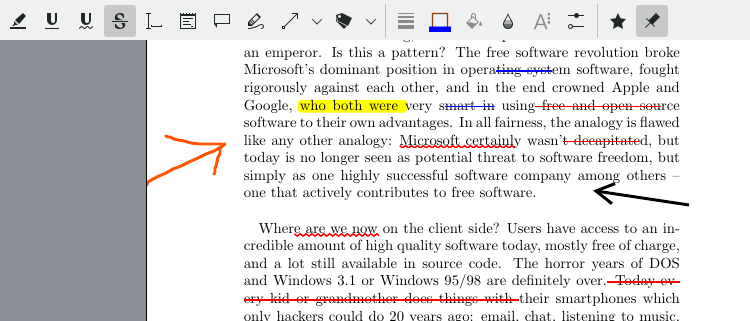
הוספת פרשנויות על ה־PDFים שלך
With Okular's 'Annotation mode', you can easily add inline and popup notes, highlight and underline text, or even add your own text.
בחירה והצגה של כל טקסט שהוא
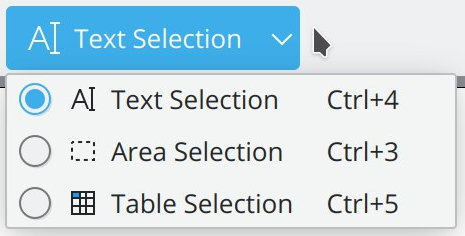
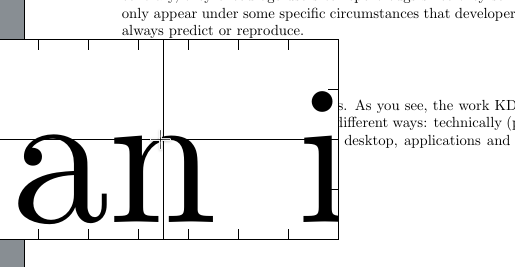
With Okular's 'Selection mode', you can copy and paste almost anything from your documents to elsewhere. And, for those times the text you want to read is too small, you can use the 'Magnifier mode'.
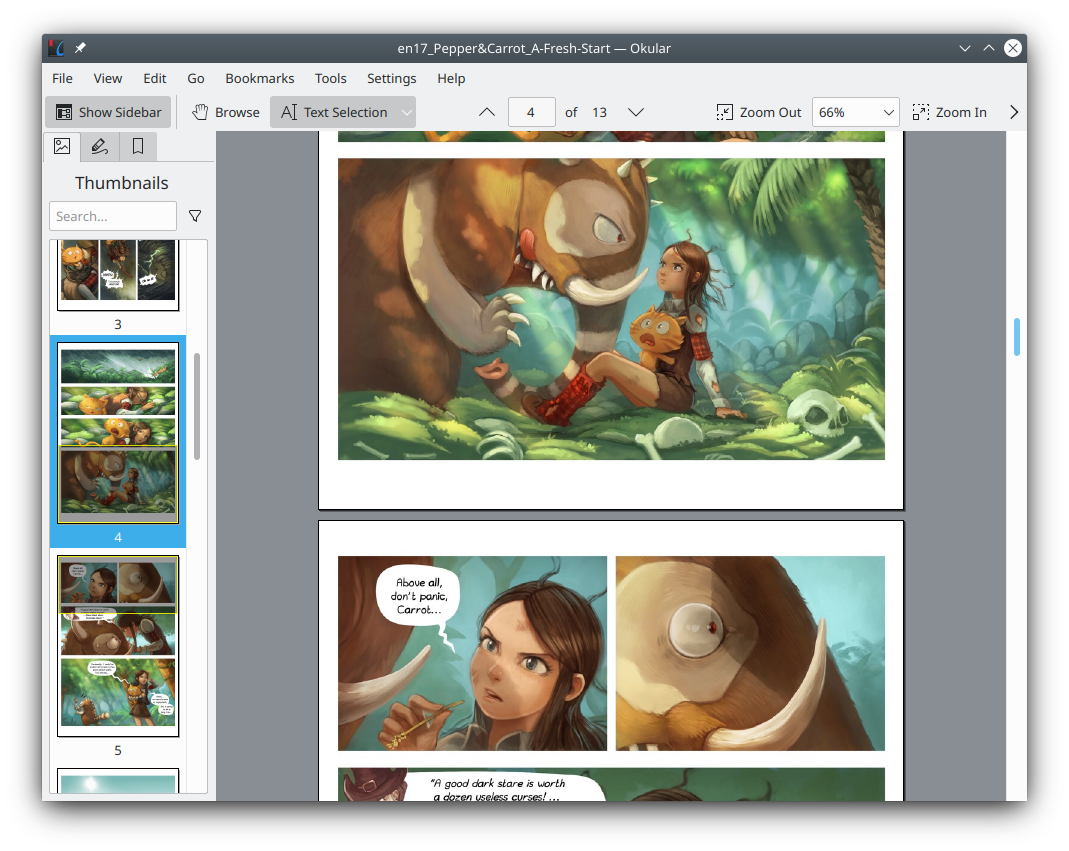
התוכן שלך, במבט חטוף
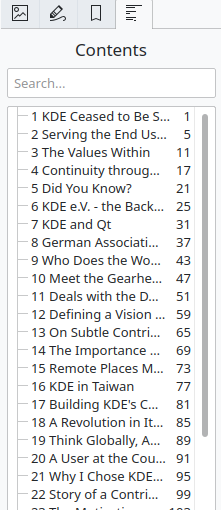
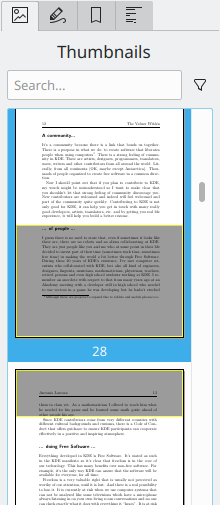
Navigating your content is easier than ever. With Okular's 'Thumbnails panel', you can browse graphically the part of the document you were looking for. With the 'Content panel', find the chapter you need in all supported documents.
תמיכה בחתימות מהשורה הראשונה
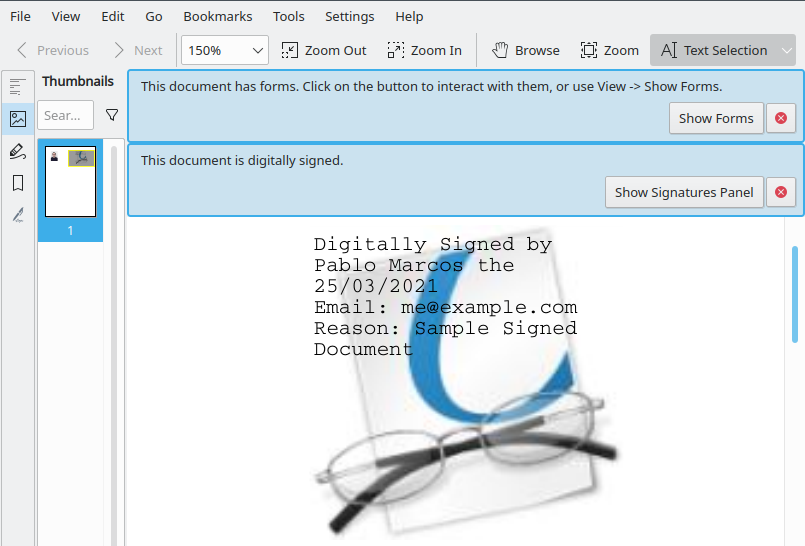
You can view and verify digital signatures embedded in PDFs, check if they are still valid, and detect any modifications since the moment the document was signed. You can even sign PDFs yourself!
תוכנה חופשית
Okular is released under the GPLv2+, and is thus fully Free Software. Find the source code including guidance how to contribute in the Okular repository on KDE's GitLab. Okular also fully respects your privacy, see all details in the KDE Software Privacy Policy.
תוכנה יעילה במשאבים ובאנרגיה
Okular is the very first software product to receive the Blue Angel ecolabel for being resource and energy efficient. Click on the label to find out more.